A downloadable asset pack

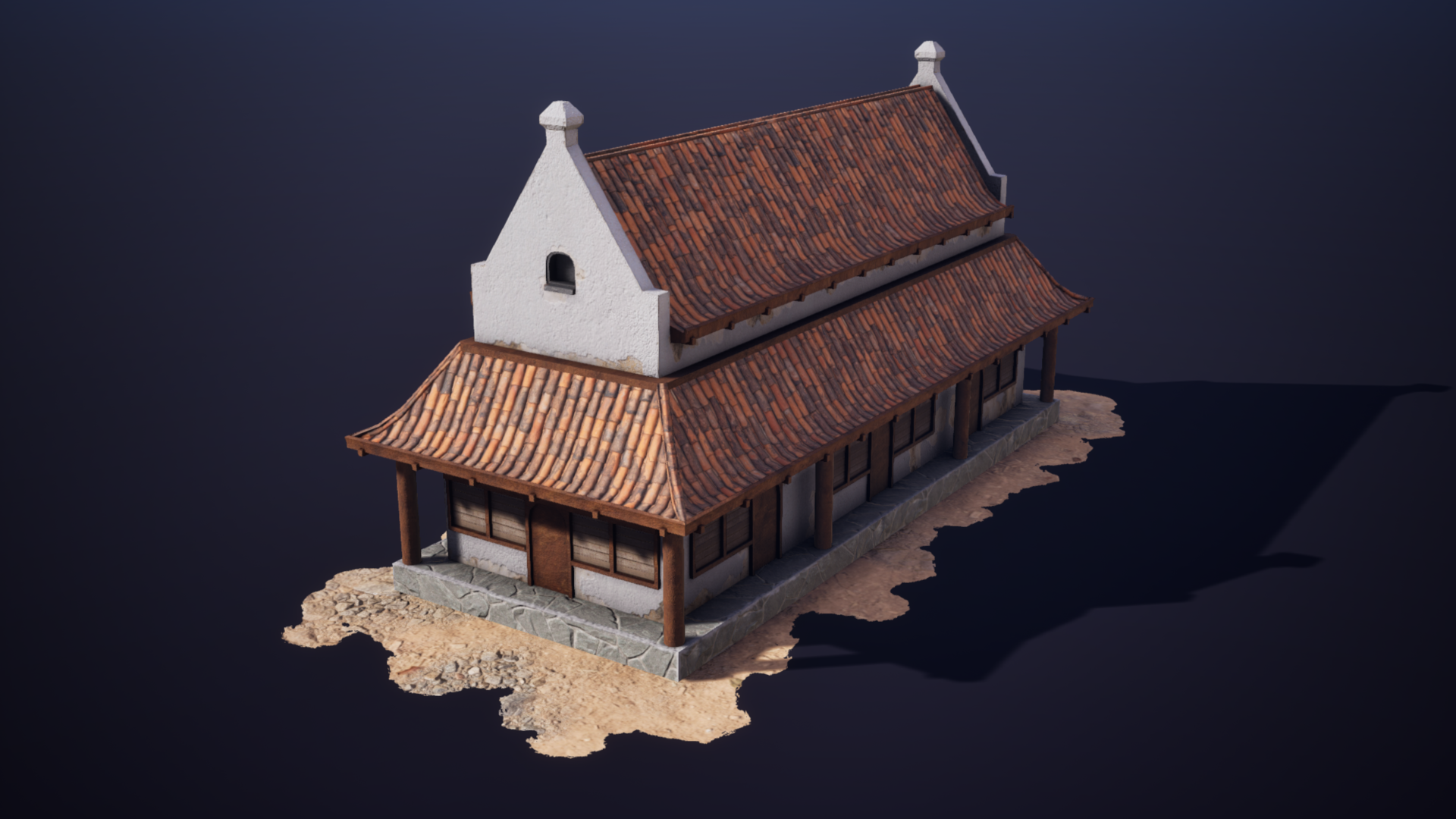
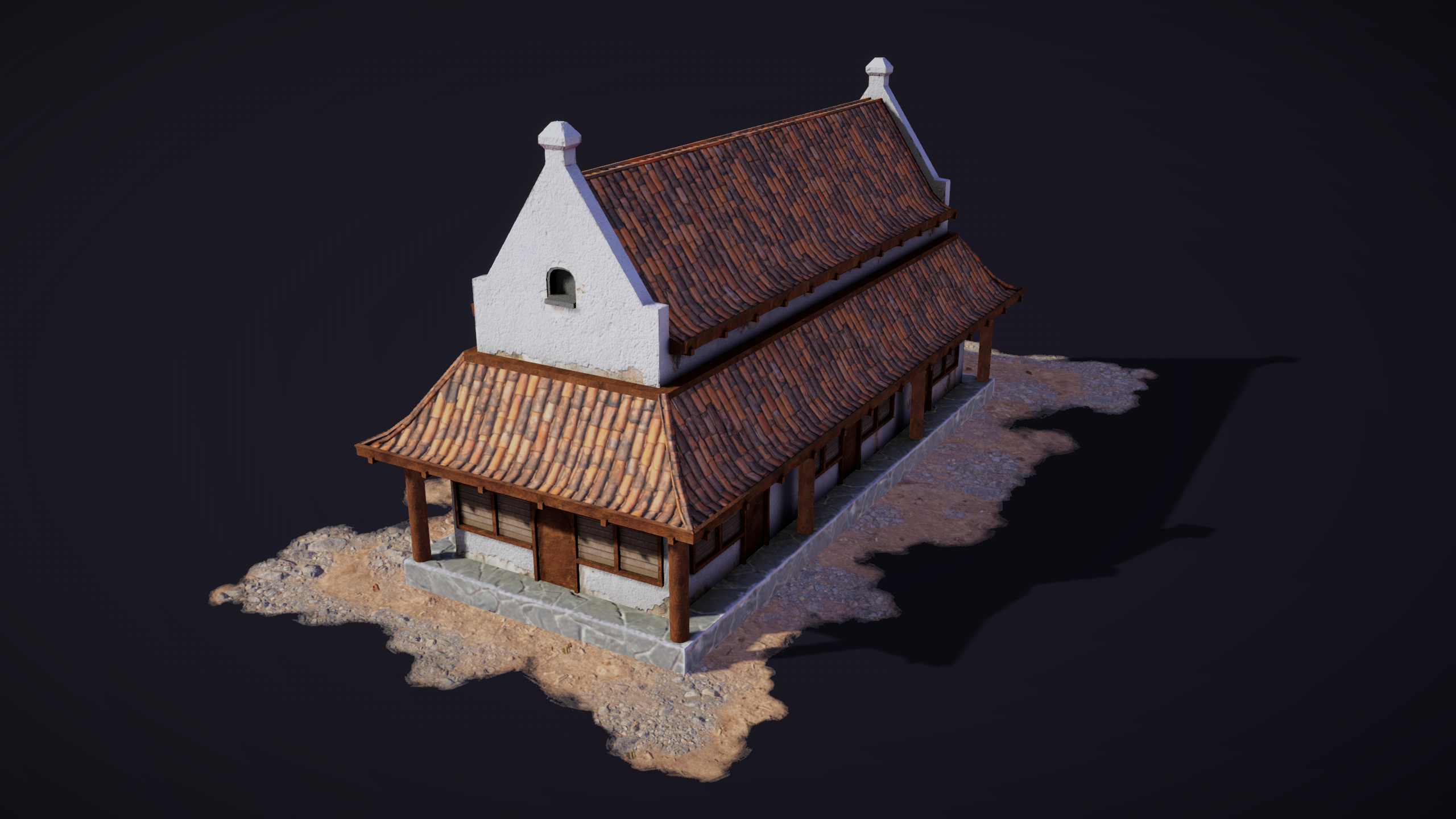
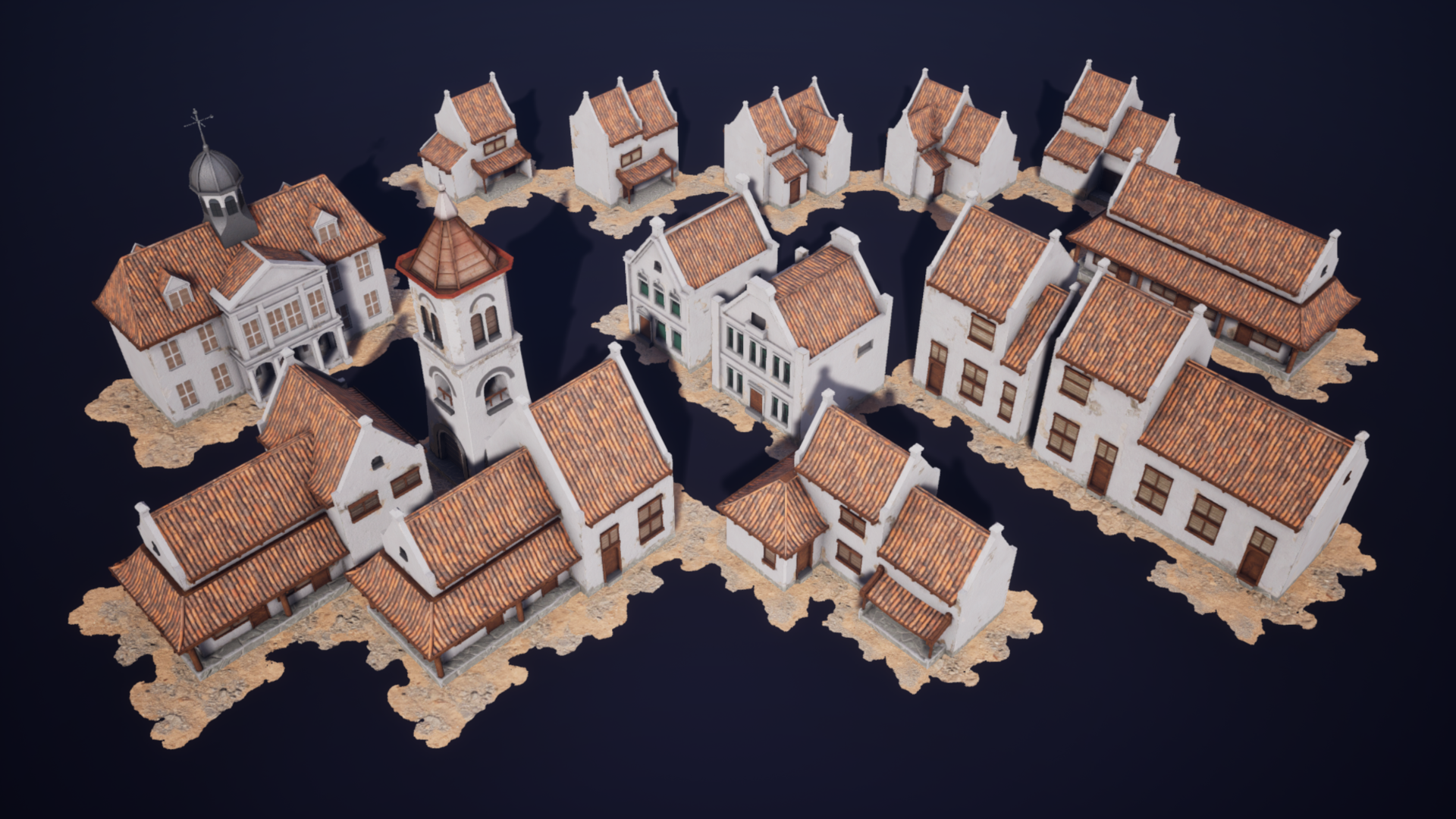
These building static meshes are suitable for video games with the perspective from top-down view such as realtime strategy, city building, or RPGs. But the models can also be viewed from any angle.

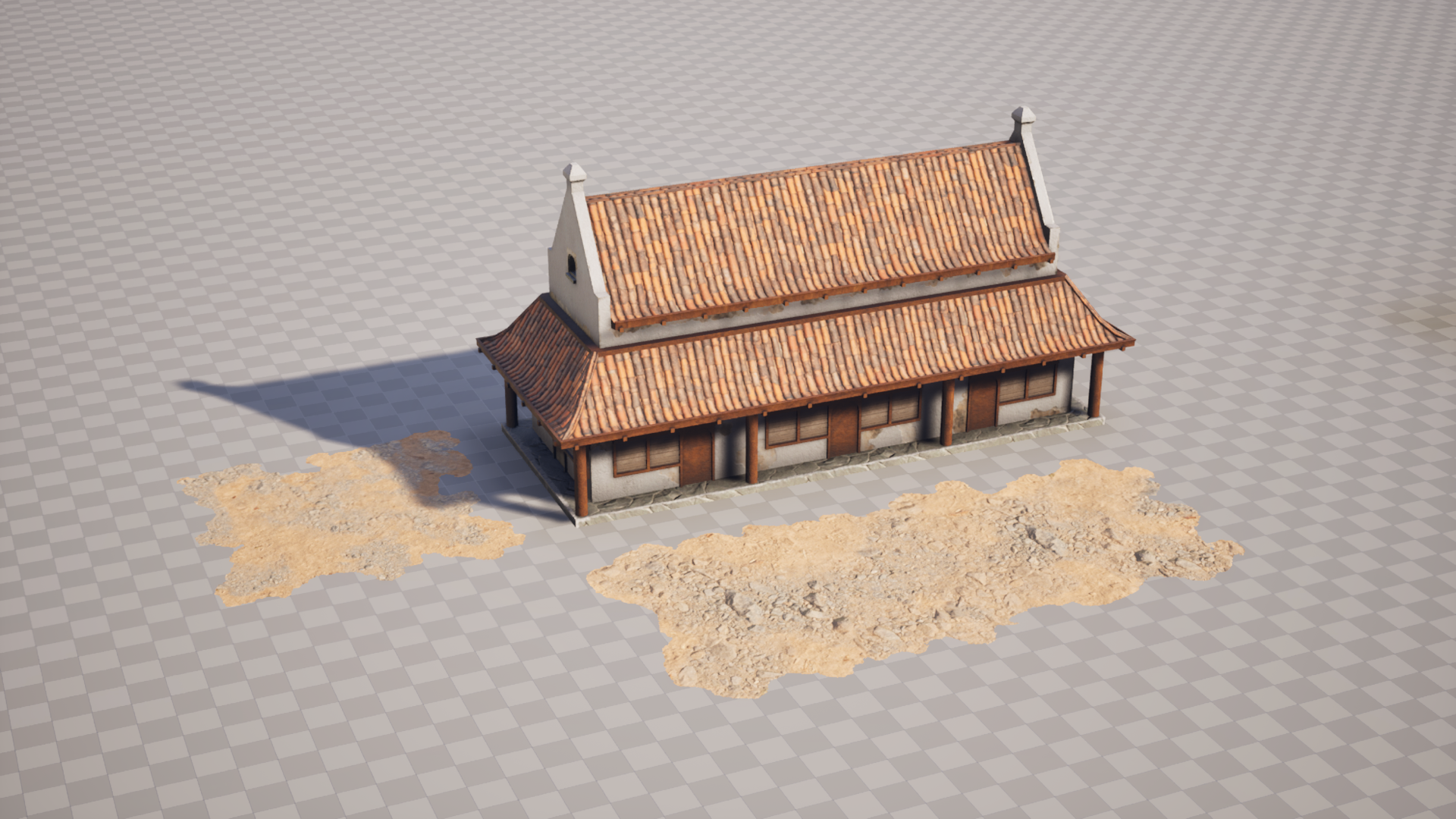
This pack also included downloadable pre-configured assets for Unreal Engine, Unity, and Godot Engine. You can then simply download and import the assets into the suitable engine, and then preview the meshes in the provided gallery level/map. Otherwise the generic FBX assets with their textures are also included.

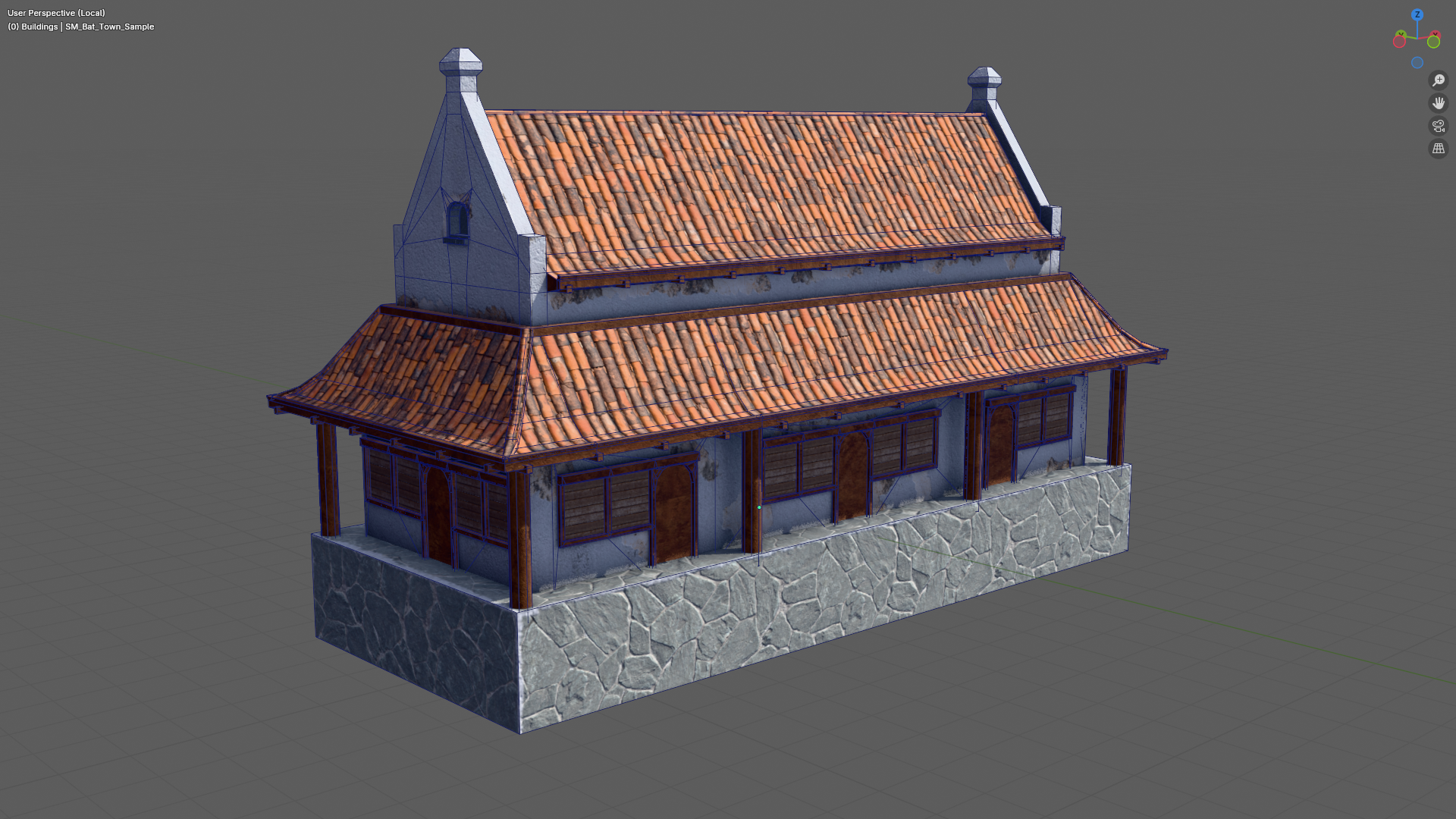
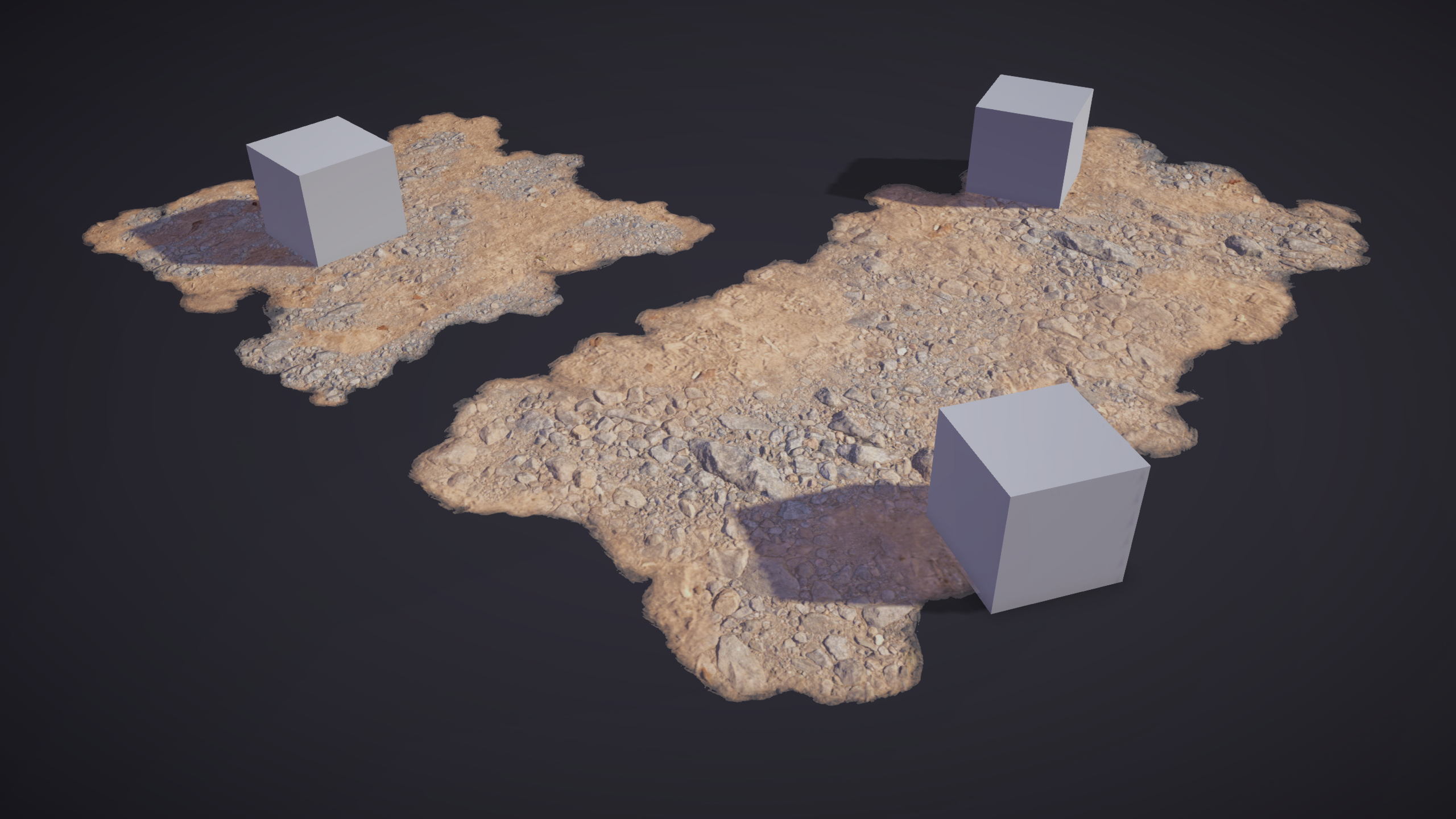
This zip file contains 1 building models and its 8 textures for 2 materials. Plus 2 ground decoration plane with 4 textures and 1 material each.

Pre-configured game-ready package for game engines:

Unreal Engine (pre-configured base material & material instances, using ORM texture, provided gallery map)

- provided package: `com.waimus.batavianbuildings.sample.unrealengine.zip`

Godot Engine (pre-configured ORM materials, using ORM texture, provided gallery scene)

- provided package: `com.waimus.batavianbuildings.sample.godot.zip`

Unity Engine URP (pre-configured materials, using albedo+roughness texture, provided gallery scene)

- provided package: `com.waimus.batavianbuildings.sample.unitypackage`

Generic FBX package contents:

Static Meshes, FBX:

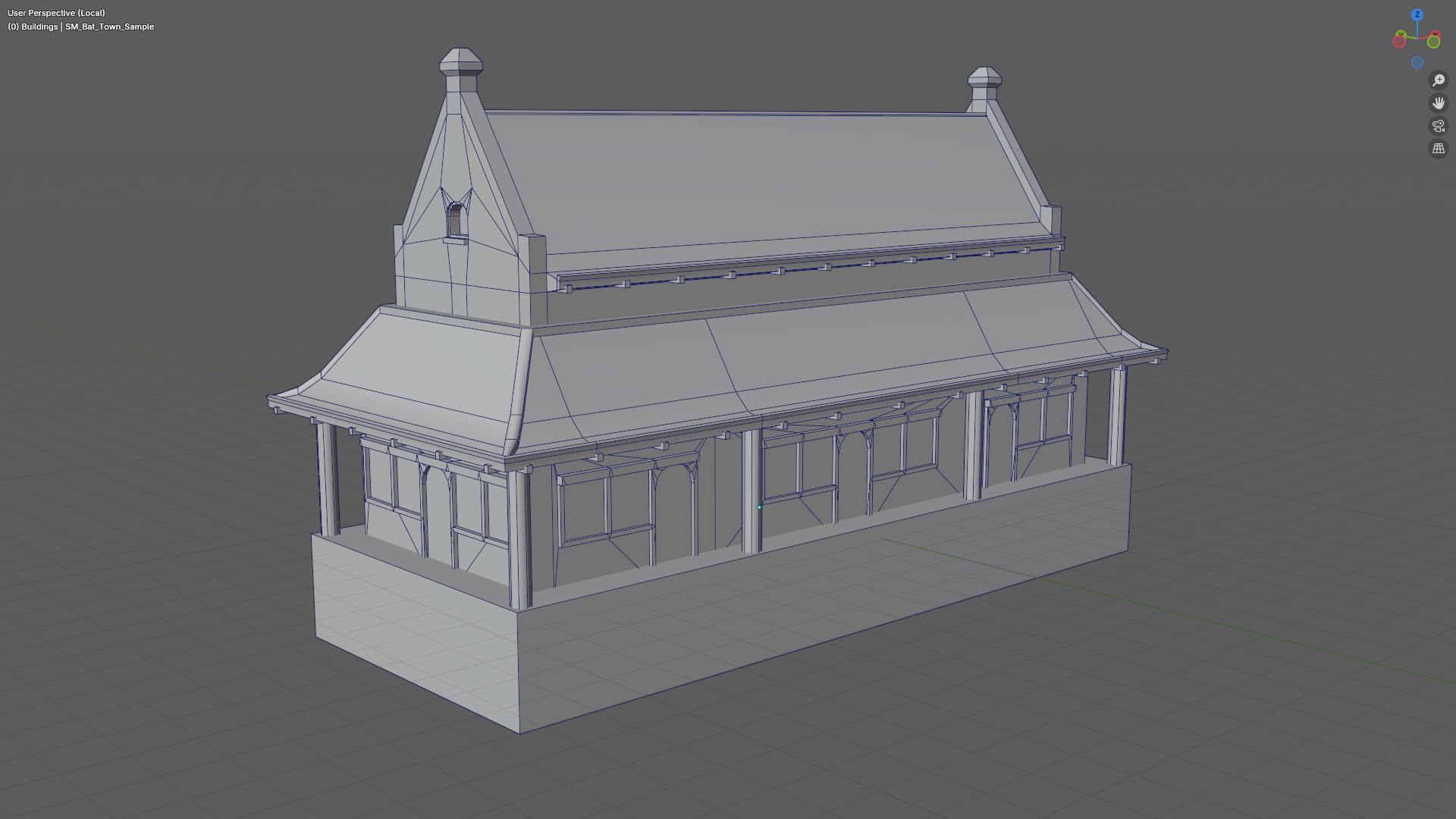
1. SM_Bat_Town_sample  (1724 vertices, 1455 faces)

Textures:

- Material slot 0, wall material:

1. T_Bat_Town_Walls_Sample_AO (ambient occlusion)

2. T_Bat_Town_Walls_Sample_Diff (diffuse/base color/albedo)

3. T_Bat_Town_Walls_Sample_Normal (normal map)

4. T_Bat_Town_Walls_Sample_Roughness (roughness)


- Material slot 1, roofs material:

1. T_Bat_Town_Roofs_Sample_AO (ambient occlusion)

2. T_Bat_Town_Roofs_Sample_Diff (diffuse/base color/albedo)

3. T_Bat_Town_Roofs_Sample_Normal (normal map)

4. T_Bat_Town_Roofs_Sample_Roughness (roughness)


 Ground decoration static mesh, size 5x5 and 10x5:

1. SM_Plane_Deco_5x5

2. SM_Plane_Deco_10x5


Textures for SM_Plane_Deco_5x5:

1. T_Plane_Deco_5x5_Diff (diffuse/base color/albedo)

2. T_Plane_Deco_5x5_Displ (displacement/heightmap)

3. T_Plane_Deco_5x5_Normal (normal map)

4. T_Plane_Deco_5x5_Roughness (roughness)


Textures for SM_Plane_Deco_10x5:

1. T_Plane_Deco_10x5_Diff (diffuse/base color/albedo)

2. T_Plane_Deco_10x5_Displ (displacement/heightmap)

3. T_Plane_Deco_10x5_Normal (normal map)

4. T_Plane_Deco_10x5_Roughness (roughness)

Download

Download
com.waimus.batavianbuildings.sample.zip 220 MB
Download
com.waimus.batavianbuildings.sample.unrealengine.zip 188 MB
Download
com.waimus.batavianbuildings.sample.godot.zip 211 MB
Download
com.waimus.batavianbuildings.sample.unitypackage 216 MB

Install instructions

Import Instructions:

Unreal Engine (com.waimus.batavianbuildings.sample.unrealengine.zip):

        1. Extract the downloaded zip file.

        2. Copy the `BatavianBuildings` folder from `Content` folder inside the extracted zip file.

        3. Paste the copied `BatavianBuildings` folder into your `Content` folder in your Unreal Engine project.

        4. The assets should now be ready to be used, check out the gallery map to see the included assets.

        5. If you are importing multiple packs from my Batavian Building packs, do the same actions as previously mentioned and confirm to merge & replace existing files.

Godot Engine (com.waimus.batavianbuildings.sample.godot.zip):

        1. Extract the downloaded zip file.

        2. Create a folder within your Godot project directory with descriptive name, such as `BatavianBuildings`, etc.

        3. Copy all the extracted files into the folder previously created within your Godot project directory.

        4. The assets should now be ready to be used, checkout the gallery scene to see the included assets.

Unity Engine (com.waimus.batavianbuildings.sample.unitypackage):

        1. Inside the Unity Editor, go to `Asset` -> `Import Package` -> locate the downloaded `.unitypackage` file and open the file

        2. You will be able to see what's included within the package, click import to proceed importing the assets.

        3. The assets should now be ready to be used, checkout the gallery scene to see the included assets.

        See also official documentation: https://docs.unity3d.com/6000.1/Documentation/Manual/AssetPackagesImport.html

 General FBX Import instruction/hints (com.waimus.batavianbuildings.sample.zip):

        1. Extract the downloaded zip file.

        2. The zip file contains the generic FBX file and its textures.

        3. When the FBX file is imported into an engine/a DCC, your select engine/DCC will try its best to also setup the materials and associate the textures.

        4. Depending on your engine/DCC, some textures may not be automatically imported and you have to manually associate the rest of the textures into the material.

        5. Depending on your engine/DCC, the green channel of the normal map may required to be flipped for it to be displayed properly.